
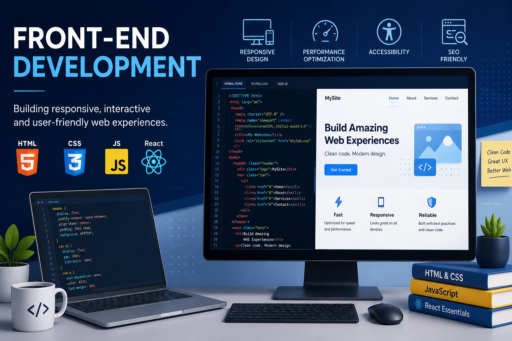
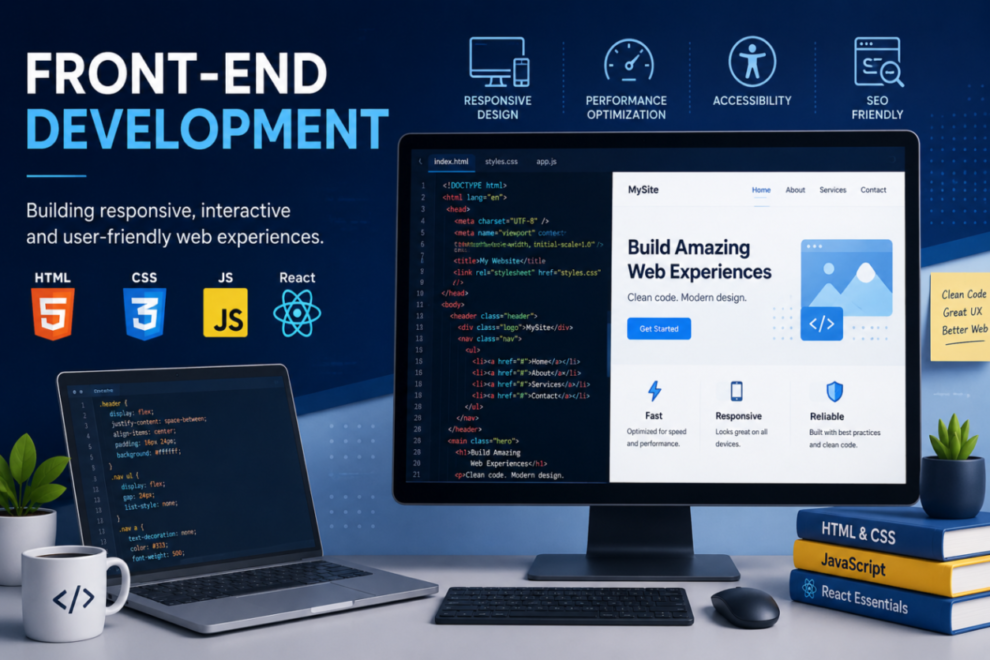

In the AI era, my biggest takeaway about frontend development is this: fundamentals matter—a lot.
The frontend world is full of hidden knowledge. AI-generated solutions tend to be overly conservative, so the more you understand the fundamentals, the better you can guide AI to produce actually useful code. This applies beyond frontend too—pretty much the entire IT industry works the same way.
Today I’ll share a few basic but powerful techniques that most experienced frontend developers know, and many beginners don’t.
Console is more powerful than you think
Let’s start with something super simple: console. Everyone knows console.log, but there’s actually a lot more you can do with it. Even in the age of AI coding, you still need hands-on familiarity with these tools to understand when and how to use them—and to include them in prompts for better results.
Here are a few console methods I use all the time:
// Start a group
console.group('Product Details');
console.log('Product ID: 10086');
console.log('Product Name: Programming Basics');
console.log('Price: $59.9');
console.groupEnd(); // End group

// Styled log
console.log('%cBig green text', 'color: green; font-size: 24px;');

// Collapsed group (hidden by default)
console.groupCollapsed('Inventory Info');
console.log('Stock: 100');
console.log('Sold: 20');
console.groupEnd();

// Conditional logging (great for debug toggles)
console.assert(1 === 2, 'This prints when condition is false');
const isDebug = true;
console.assert(!isDebug, 'Currently in debug mode');

// Cleaner alternative
isDebug && console.log('Currently in debug mode');
Using group together with assert is especially useful for temporary debugging—it keeps your console from turning into a mess. Yes, console.assert shows red warning boxes, which look ugly, but they’re effective. If you don’t like them, the conditional logging line is a tidy alternative.
CSS :where and :is
Next, something in CSS that many people never use—but once you do, you won’t go back: :where and :is.
/* Traditional */
nav h1,
nav h2,
nav h3 {
margin-bottom: 12px;
color: #222;
}

/* Using :is */
nav :is(h1, h2, h3) {
margin-bottom: 12px;
color: #222;
}

/* Using :where (zero specificity) */
nav :where(h1, h2, h3) {
margin-bottom: 12px;
color: #222;
}
I personally recommend :where because its specificity is zero, making it easier to control overrides. It’s more concise and reads like code—CSS is a programming language too, and less boilerplate helps keep styles clean.
Stop using JSON.parse(JSON.stringify(obj))
A classic pattern for deep-cloning is:
JSON.parse(JSON.stringify(obj))But this approach has important shortcomings:
It cannot handle circular references.
It breaks special objects like Date and other non-plain data types.
A modern, native alternative is structuredClone:
// Original object with nested data
const originalData = {
name: "beyazkuleinsaat",
hobbies: ["coding", "cycling", "photography"]
};

// Native deep clone
const deepCopyData = structuredClone(originalData);

// ----------
// Appendix
// Circular reference example
const a = {};
a.self = a;

// Special object example
const obj = { time: new Date() };
I encountered bugs from the old method years ago; these issues are real in production. Use structuredClone where supported for safer deep cloning.
Converting DOM results to arrays
In vanilla JS projects you’ll often use document.querySelectorAll. Many beginners don’t realize this returns a NodeList, not a plain array. That means some array methods won’t work on it in certain environments.
The simple fix is:
const divList = document.querySelectorAll('div');
const divArr = Array.from(divList); // Now it's a real array
Once converted, you can use map, filter, and other array helpers as expected.
Final note
These tips are small and basic, but they compound into a much smoother development experience. In the AI era, the competitive edge often comes from knowing which code is better and why—not from blind reliance on generated snippets.
Today, I went to the beachfront with my children. I found a sea
shell and gave it to my 4 year old daughter and
said “You can hear the ocean if you put this to your ear.” She put the shell
to her ear and screamed. There was a hermit crab inside and it pinched her ear.
She never wants to go back! LoL I know this is entirely off topic but I had to tell someone!